

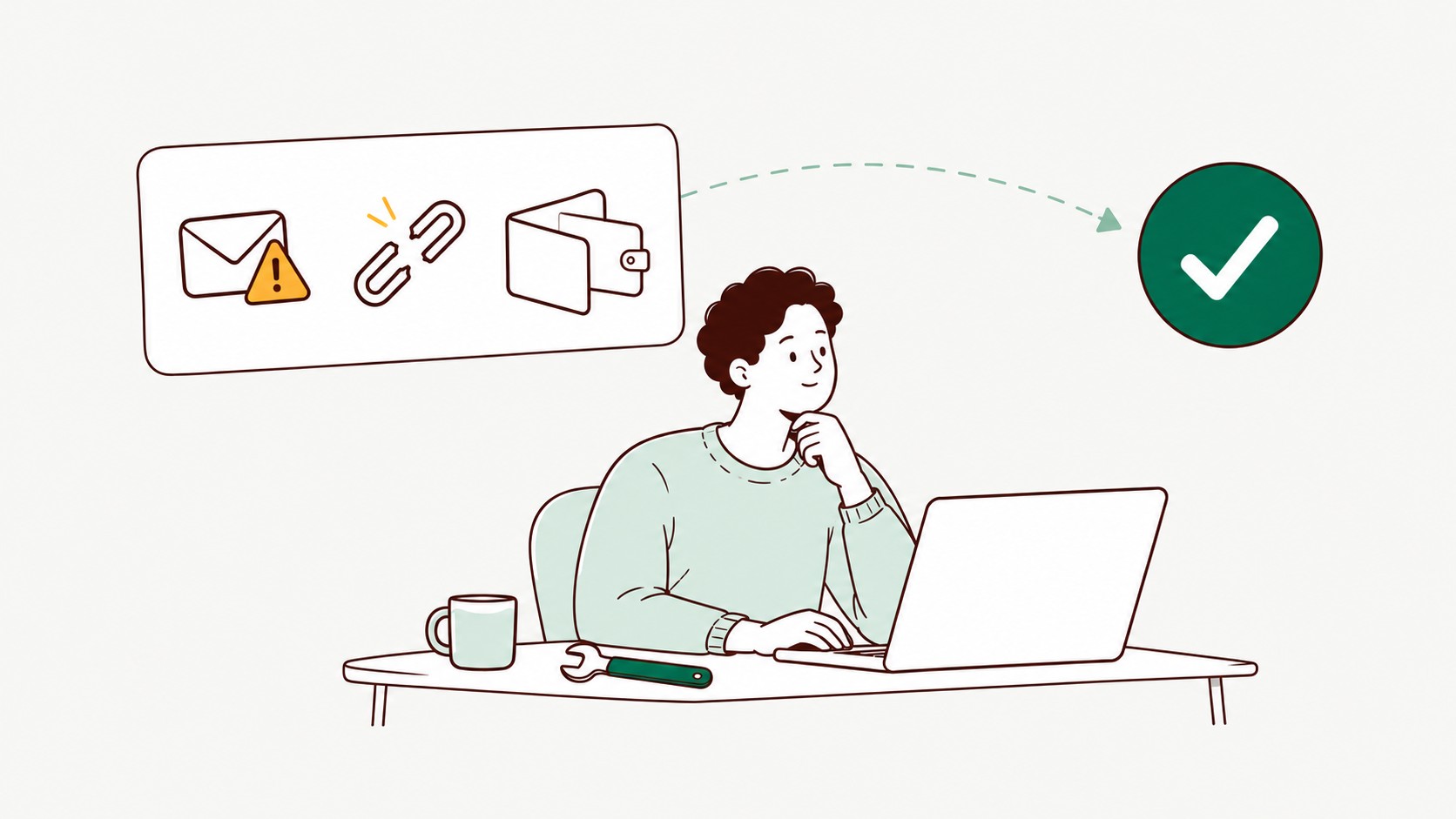
Running into a problem while claiming your reward? Here's a quick guide to the most common claim errors and how to fix them.
How does claiming a reward work?
You can claim your earnings from surveys and offers once you reach the minimum cash-out amount of $5. After you claim your reward, TopSurveys sends a reward email to the address registered on your account.
The reward email is where redemption starts. It should arrive within 30 minutes, so don't worry if it doesn't show up right away. If you don't see it, check your spam, junk or promotions folder in case it was filtered there.
Then follow the steps in the email and enter the payout details it asks for to complete your withdrawal.
I didn't receive my reward email
Check your spam or junk folder and make sure the email address on your account is correct. If you still can't find it after 30 minutes, contact the Support team.
I entered the wrong details during redemption
Contact the Support team as soon as possible if you made a mistake entering your details, such as an email address or account information. They can help correct it before your payout is processed.
My reward email link isn't working
Contact the Support team if the link in your reward email has expired or doesn't work. They'll help you get a new one.
I claimed my reward but haven't received my payout
Withdrawals on TopSurveys are instant, and arrival depends on the payout method. If it's taking longer than expected, contact the Support team with your claim details so they can check the status.
Still stuck on a claim?
Contact TopSurveys Support at [email protected] or through the contact form if you're having trouble claiming or redeeming your reward.